
Status Page: Open Source vs. White-Label SaaS — What's Worth It for Agencies?

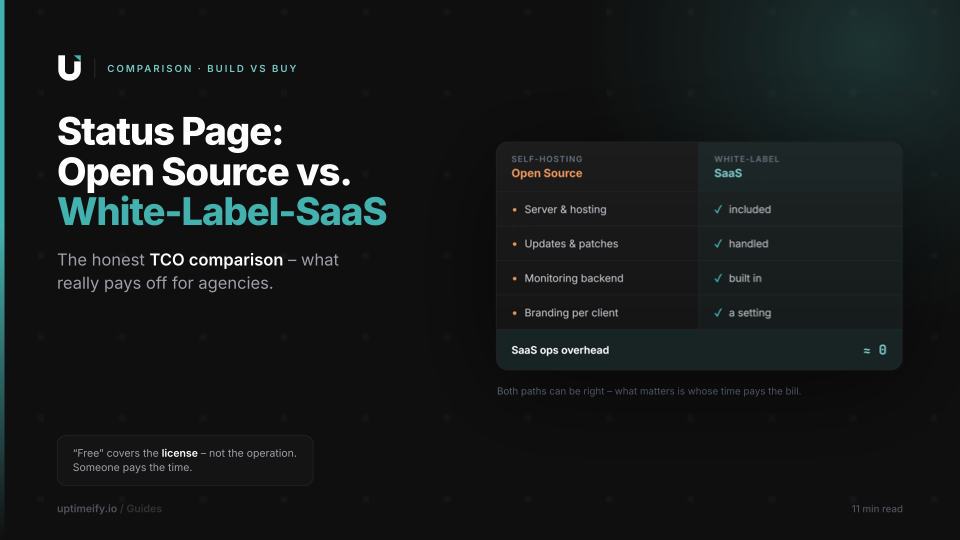
"Status page open source" is one of the most honest searches an agency can run — behind it sits a fair question: why pay for something available for free? The answer isn't "because open source is bad" — that would be a straw man. Open-source status pages are mature, powerful, and the right choice for plenty of cases. The honest answer is a total-cost-of-ownership calculation: what does the free solution really cost once you factor in hosting, maintenance, and per-client branding — and when is a ready-made, branded white-label solution the better call instead? This article runs both sides fairly.
Why this isn't an "open source is bad" article
The worst version of this comparison claims free software is inferior. That's false and helps no one. Open-source status pages are among the most solid tools in the web ecosystem: they're open, often battle-tested for years, highly customizable, and give you full control over code and data. If you have the time and the technical context, you get an excellent result — without a cent in license costs.
So the honest comparison isn't about quality — it's about cost, and specifically the full cost. "Free" refers to the license, not to running it. That gap between license price and total cost is the heart of the decision. A tool that costs nothing to acquire can be more expensive to run than one with a monthly fee — when someone has to pay for the ongoing work. And in an agency, that someone is your billable time.
The hidden costs of self-hosting
Run an open-source status page yourself and you take on a set of tasks that a SaaS includes in the price. None is insurmountable — but each costs time or money, and together they make up the real TCO.
The server and its hosting. The status page has to run somewhere — a VPS or container that costs money and needs configuring. Add TLS certificates, a domain connection, and the base setup. A small but permanent line item.
Updates and security patches. Self-hosted software is your responsibility, security included. Every dependency, every vulnerability, every major version upgrade lands on your desk. Neglect it and the status page itself becomes a risk; maintain it and it's recurring labor.
The separate monitoring backend. This is the most underestimated point — a dedicated section follows below. In short: many open-source status pages only display, they don't check. The checking infrastructure that actually knows whether a service is up is something you have to supply and run on top.
Branding per client. For an agency, a status page is rarely a single artifact — it's a multiple, one per client, each in that client's brand. With an open-source solution, each of those pages is manual configuration and design work. What's charming for one client becomes a recurring project at twenty.
Hardening the status page itself. A status page has an ironic requirement: it has to be up precisely when something else is down. A self-hosted page sitting on the same infrastructure as the monitored services goes down with them in an emergency — exactly when it's needed. Running it cleanly separated and highly available is its own effort.
The often-overlooked point: a status page isn't monitoring
This point deserves its own section because it's the one most often overlooked in build-vs-buy decisions, and it shifts the math heavily. A status page is at heart a display tool: it shows whether services are "green" or "red." Where it gets that information is an entirely different question.
Many open-source status pages are pure front ends. They need a data source that actually checks whether a service is reachable — a monitoring backend that runs checks every minute, stores results, and feeds them to the status page. That backend is itself a project: check jobs, storage, alerting, ideally checks from multiple locations so a single network hiccup doesn't trigger a false alarm. Install only the status page and overlook the rest, and you have a pretty display with no reliable content.
This is exactly where the structural difference to a white-label SaaS lies. In an integrated solution like Uptimeify, the status page is coupled directly to the monitors: the displayed status comes automatically from real checks, confirmed from multiple EU locations before a service counts as impaired. There's no second system for you to build and maintain — display and checking are the same product. In the TCO calculation, the monitoring backend therefore belongs firmly on the self-hosting side — not as a footnote, but as its own large line item.
When open source is the right choice
A fair comparison also names when the free solution wins — and those cases exist. Open source is the right call when several of these conditions come together.
If you already run infrastructure and an extra service adds barely any marginal cost, the hosting item shrinks. If you need deep technical control — custom data models, special integrations, adaptations no SaaS offers — being open is a real advantage. If it's about a single internal status page rather than twenty client pages, the per-client branding effort disappears. And if data sovereignty is only achievable through full self-control — say in environments that permit no external processing — self-hosting can be the only viable option.
The connecting pattern: open source pays off when your marginal cost to operate is low and your need for control or customization is high. The more clients, the less internal ops capacity, and the higher the desire for "it just runs," the more the math tips toward the ready-made solution.
When the white-label SaaS pays off
Mirror-image, the ready-made solution wins where the hidden costs of self-hosting weigh heaviest. For the typical agency with several clients, those are exactly the items from the TCO calculation.
The white-label SaaS takes the server and maintenance off your hands entirely — no patching, no version upgrades, no high-availability architecture. It couples display and monitoring, so the separate backend disappears. And it turns per-client branding into a setting rather than project work: each client gets a branded status page on their own domain via CNAME, public or password-protected, in minutes rather than hours. The recurring effort that self-hosting incurs with every new status page becomes a one-time configuration.
Then there's an aspect that appears on no server bill: focus. Every hour your team spends running status-page infrastructure is an hour not spent on client work. With a ready-made solution, that hour disappears. For agencies whose most expensive resource is their people's billable time, that's often the deciding argument — not the monthly fee, but the reclaimed time.
There's an extra benefit for European clients: an EU-hosted white-label solution that checks exclusively from European locations delivers the data-protection provability along with it — as a verifiable fact, without you having to document location and hardening yourself.
The honest decision aid
In the end, the choice isn't a holy war — it's a calculation any agency can run for itself. Put the honest price of both paths side by side — in full.
For open source, add up: hosting the server, your time for setup, updates and security, building and running a monitoring backend, branding per client, and hardening the status page against its own outages. Value your labor at the rate you charge clients — because that's exactly the time you lose there. For the white-label SaaS, the other side holds the monthly fee, often tiered by clients or monitors — and an operating effort of near zero.
The rule of thumb that almost always follows: for a single internal page with ops capacity on hand, open source often wins. Once it's about several branded client pages whose status has to be reliably correct and that must stay up when things break, the TCO tips toward the ready-made solution — not because open source is worse, but because the invisible work becomes visibly expensive.
The best decision is the one you make with real numbers, not with the reflex "free is cheaper." Price in your time — then the TCO shows which path is genuinely the cheaper one for your agency.
Frequently asked questions
What does a self-hosted open-source status page really cost?
The software is free, running it isn't. The real costs include: a server and its hosting, regular updates and security patches, a separate monitoring backend that actually supplies the status data, the time to set up and brand each client's page, and hardening the status page itself against outages. Price your labor realistically and a self-hosted solution is rarely cheaper — the cost just shifts from an invoice to your own time.
When is open source the right choice for a status page?
When you need technical control over everything, already run infrastructure, and can absorb the ongoing maintenance cheaply in-house. Open source is strong when a status page for a single internal system is enough, when you need custom adaptations no SaaS offers, or when data sovereignty is only achievable through full self-control. For many agencies with several clients, the math tips quickly toward a ready-made solution.
What's the difference between a status page and the monitoring behind it?
A status page only displays the status — whether it's correct depends on the monitoring behind it. Many open-source status pages are pure display tools: they need a separate source that actually checks whether a service is up, and you have to provide and run that checking infrastructure yourself. A white-label SaaS couples both — the displayed status comes automatically from real checks, without you building a second system.
Is a white-label status page more GDPR-friendly than self-hosting?
Both can be compliant — the difference is provability. With self-hosting you control the location yourself but carry full responsibility for hardening and documentation. An EU-hosted white-label solution that checks exclusively from European locations gives you that proof as a verifiable fact toward your client. Which path fits depends on where you want to carry the responsibility.
Can I brand per client with a white-label status page?
Yes — that's the core of the white-label approach. Each client gets their own status page branded under their brand or yours, with logo, colors, and a custom domain via CNAME. With an open-source solution that's manual configuration and design work per client; with a ready-made white-label SaaS it's a setting. That recurring branding effort is the often-overlooked cost factor in self-hosting.

Co-Founder of Uptimeify, responsible for all of marketing. He bridges technical development and marketing strategy — from Java, PHP and Shopware plugins to steering digital growth strategies. A certified UX Manager (IHK) and digital-marketing advisor to three non-profit organizations.
More from the blog
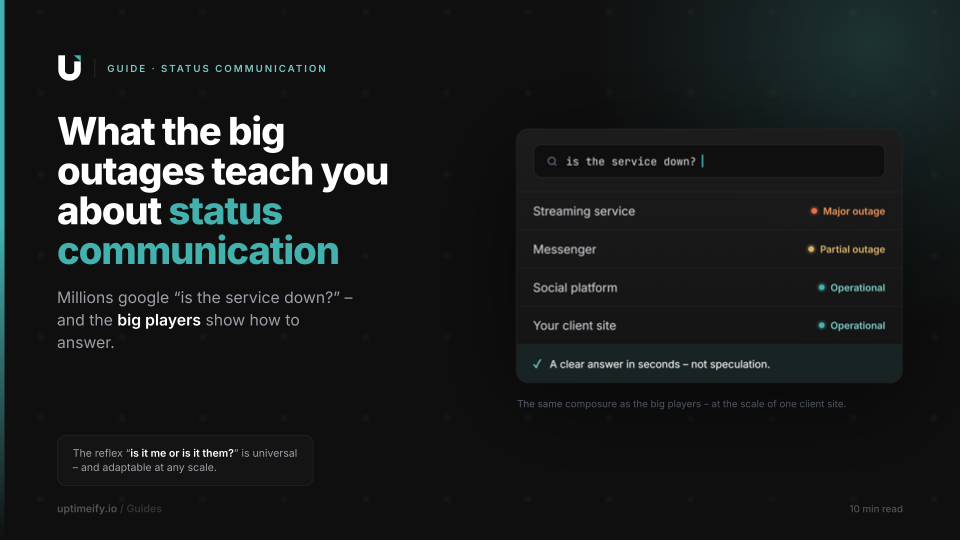
When Big Services Go Down (YouTube, WhatsApp & Co.) — and What They Teach About Status Communication
Why millions check the server status during an outage — and what the giants' professional status communication gets right that any agency can adapt at small scale.
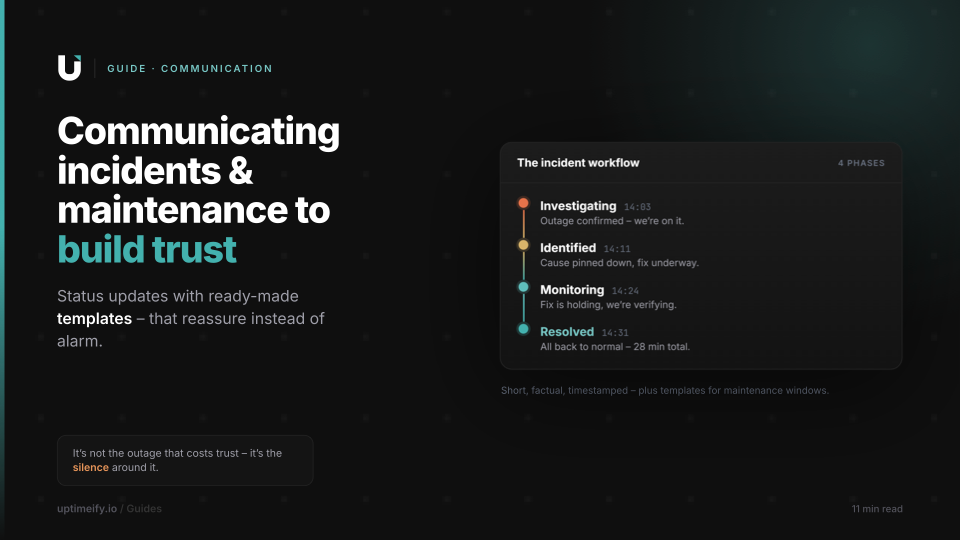
Communicating Incidents & Maintenance Windows: Status Updates That Build Trust
Templates for incident and maintenance communication that reassure the client instead of alarming them — from the first update to the all-clear.
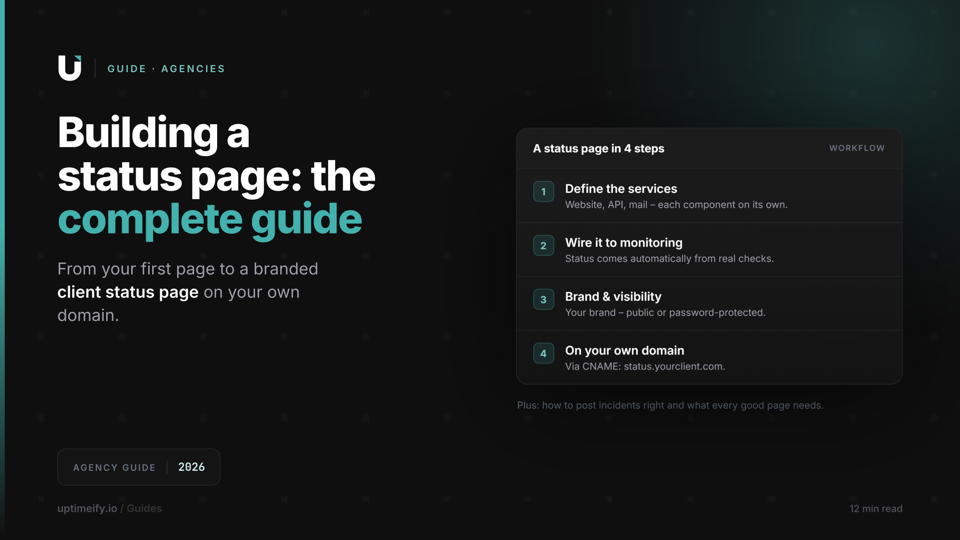
How to Create a Status Page: The Complete Guide for Agencies (2026)
From your first status page to a branded client status page: what to communicate, how to post incidents, and how to run a status page on your own domain.